
Marlow Product Tag Template
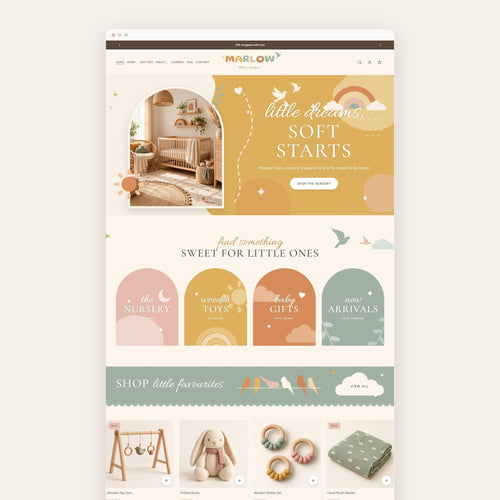
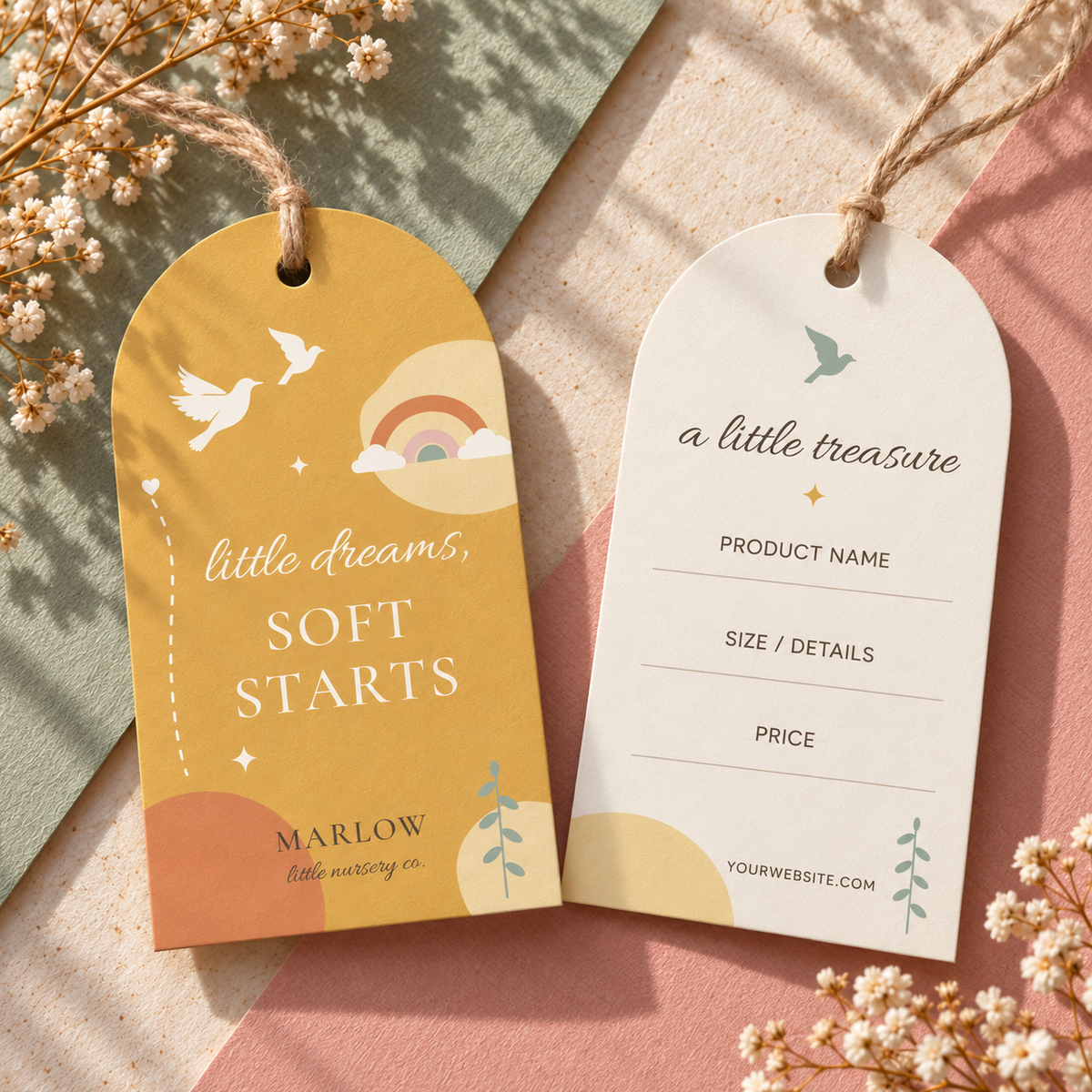
A two-sided hang tag for baby, nursery and kids' shops, designed to match the MARLOW Shopify theme.
- ✿Instant download, straight to your inbox
- ✿Edit in Canva, a free account is all you need
- ✿Designed to match your Honey Bloom website
The details
A two-sided hang tag for baby, nursery and kids' shops, designed to match the MARLOW Shopify theme. Edit it in Canva, print it, punch the hole and tie it onto your products for a finished, boutique look.
What's included
- Front: "little dreams, soft starts" with doves, a rainbow and your shop name
- Back: "a little treasure" with lines for the product name, size or details, price and your website
- An editable Canva template link
Make it yours
- Change every colour to match your brand: tag shape, illustrations and text
- Edit the words and fonts
- Add your shop name, logo and website
- Write details by hand, or type them in Canva before printing
Good to know
- This is a digital download. Nothing will be shipped.
- Right after purchase you'll get a PDF with your Canva template link.
- You'll need a Canva account to edit it.
- Photos are mockups. Printing, cutting and string are not included.
- Made to match the MARLOW Shopify theme.
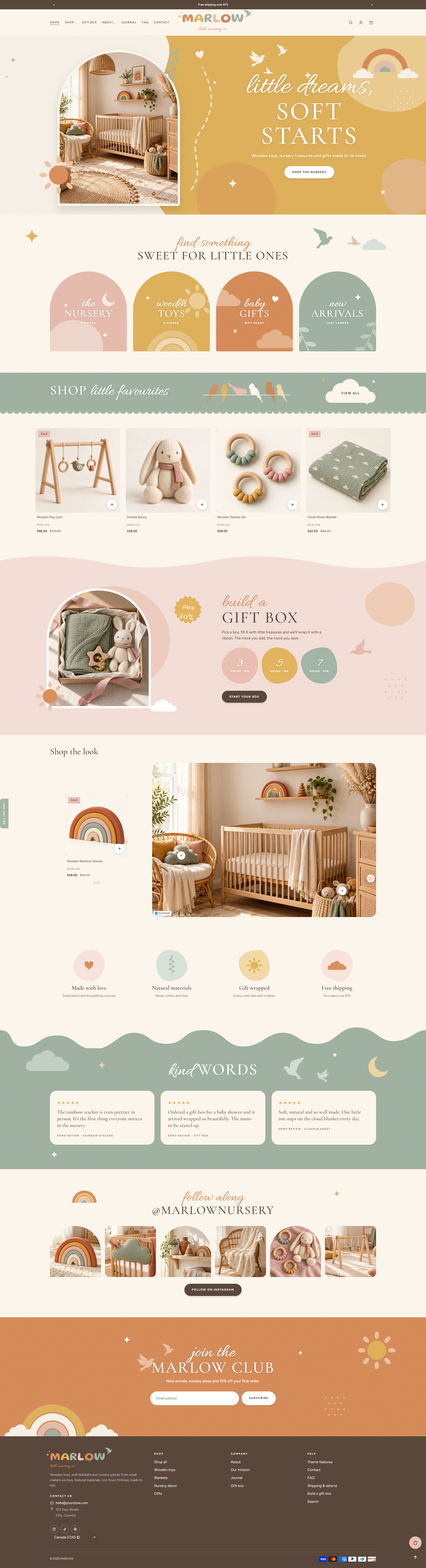
Get the Marlow website too
This design comes from the Marlow Shopify theme, so your website, socials and printables all match.
- Illustrations You Can Edit
- Rainbow Letter Logo
- Build-a-Gift-Box Page
How it works
- one
Purchase
Check out and get your download link right away.
- two
Open in Canva
Click the link in your download to open your own copy in Canva.
- three
Make it yours
Change the words, colours, photos and fonts to match your brand.
- four
Post or print
Download your designs and share them on Instagram, or print them at home or at a print shop.
What do I get when I buy the Marlow Product Tag Template?
You get instant access to the Marlow Product Tag Template as an editable Canva template, plus a PDF with your template link and simple instructions. Everything included is listed in the description above.
How do I edit the Marlow Product Tag Template in Canva?
Open the Canva link in your download and click Use template. A copy is saved to your own Canva account, where you can change the words, colours, photos and fonts.
Do I need Canva Pro to use the Marlow Product Tag Template?
No. You can edit the Marlow Product Tag Template with a free Canva account.
Can I change the colours of the Marlow Product Tag Template to match my brand?
Yes. Every colour, font and photo in the Marlow Product Tag Template can be changed in Canva, so it fits your brand exactly.
Can I print the Marlow Product Tag Template or post it on Instagram?
Yes. From Canva you can download PNG or JPG files to post on Instagram, or a print-ready PDF to print at home or at a print shop.
Does the Marlow Product Tag Template match a Honey Bloom website template?
Yes. Honey Bloom brand kits are designed in the same colours and style as their matching website template. You can also use the Marlow Product Tag Template on its own, with any website.
Can I use the hand-drawn doodles in the Marlow Product Tag Template for my business?
Yes. The hand-drawn doodles that come with the Marlow Product Tag Template are yours to use for your own brand.
Where do I find my download after I buy the Marlow Product Tag Template?
Your download link appears on the order confirmation page right after checkout, and Honey Bloom also sends it to your email. If you can't find it, check your spam folder or contact Honey Bloom and we'll resend it.
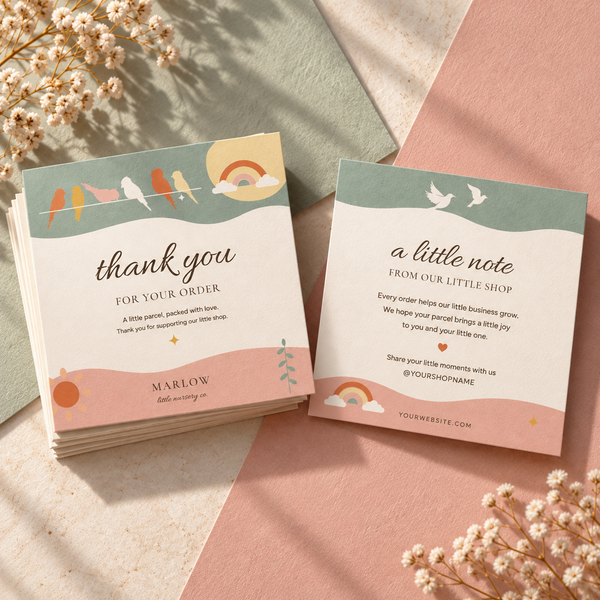
The matching brand kit
You might also love




Studio mail · Free
Club Bloom
Your free website launch checklist, then one letter a month from the studio: new templates, behind the scenes and a few good ideas.
One letter a month. Unsubscribe anytime.