





The Postcard Club
- ✿Instant download, straight to your inbox
- ✿Works in Canva, Procreate, Word and more
- ✿Licence details included in your download
The details
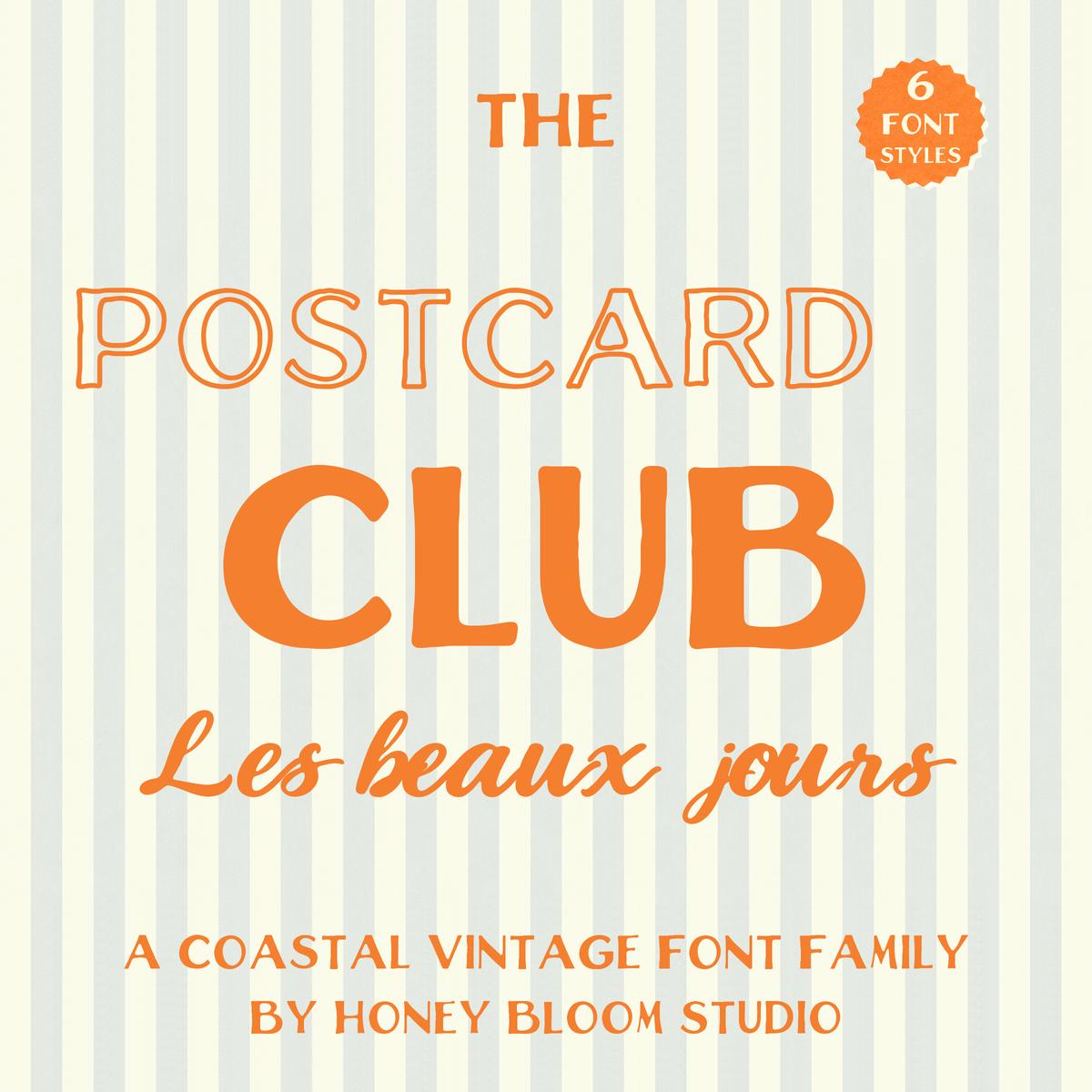
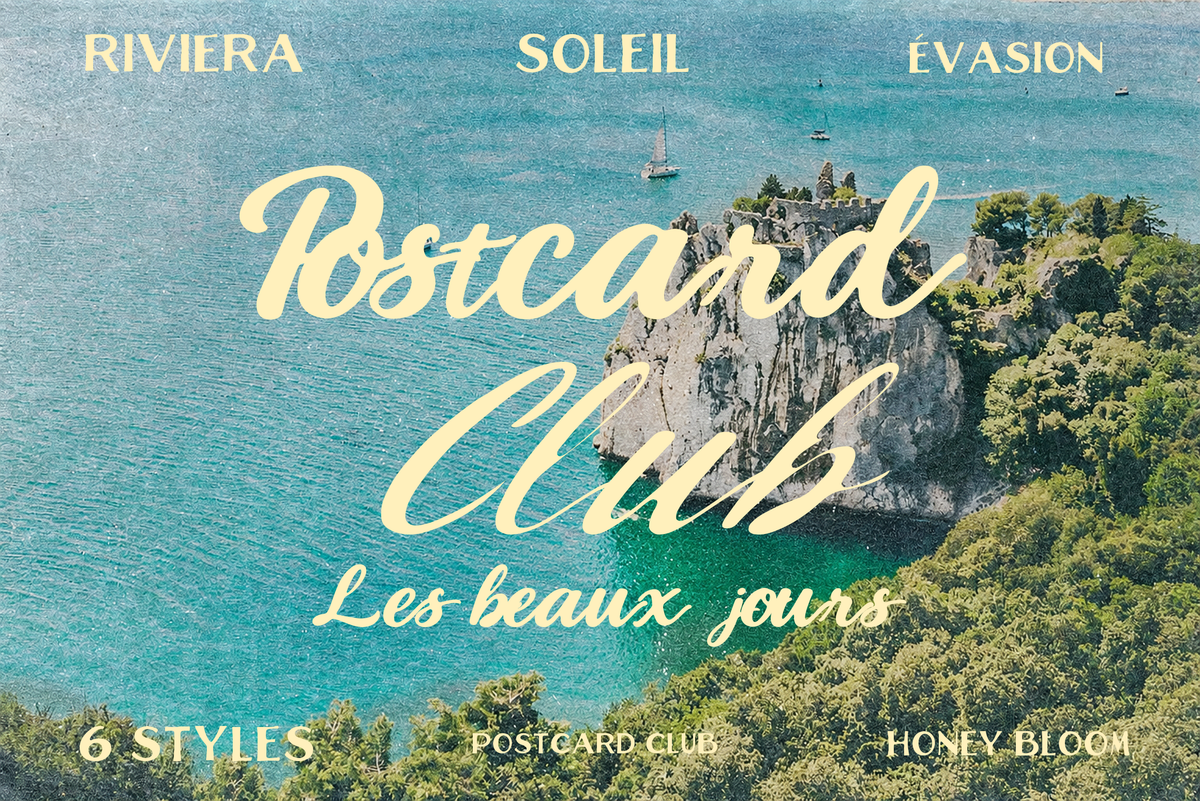
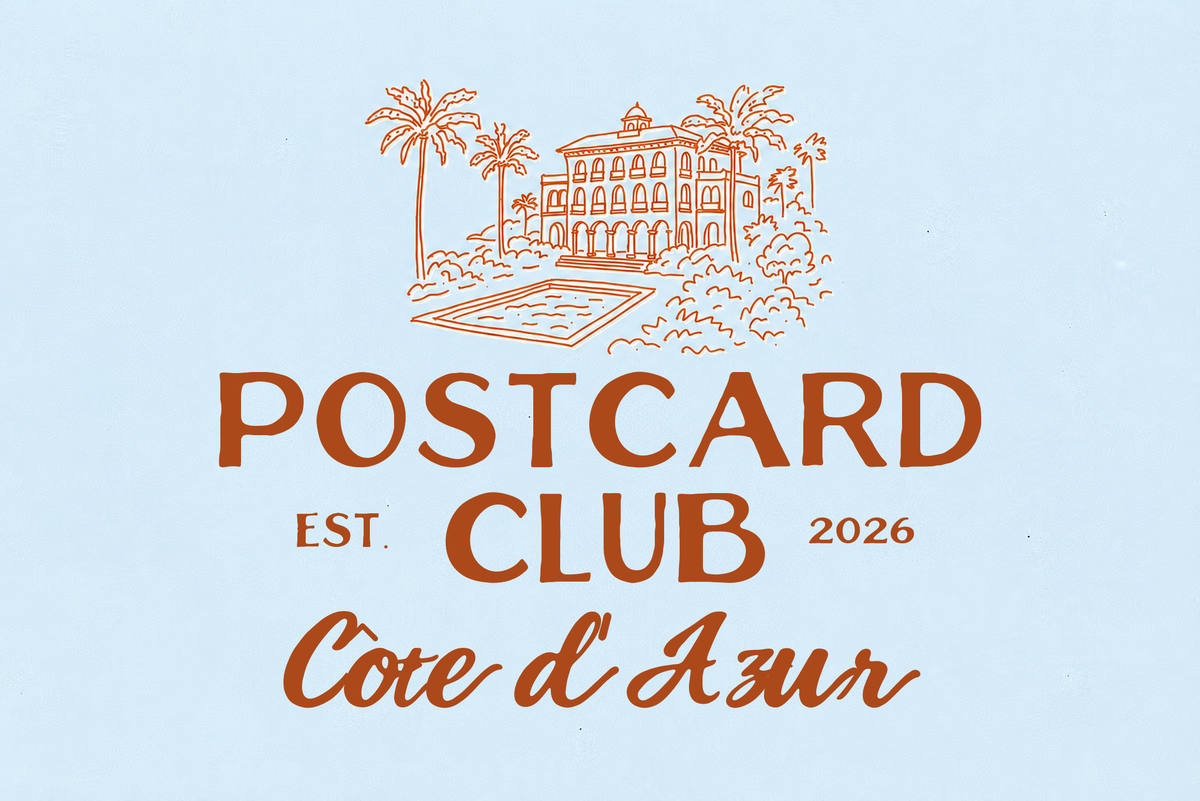
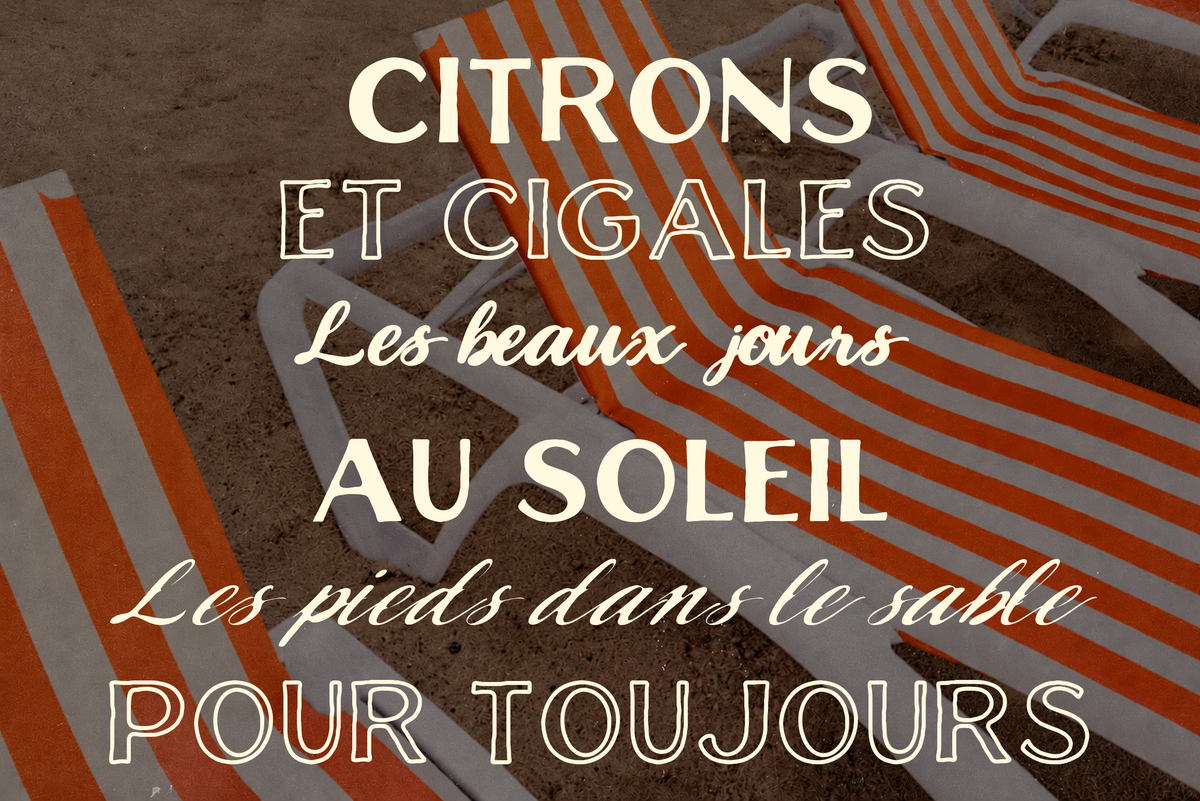
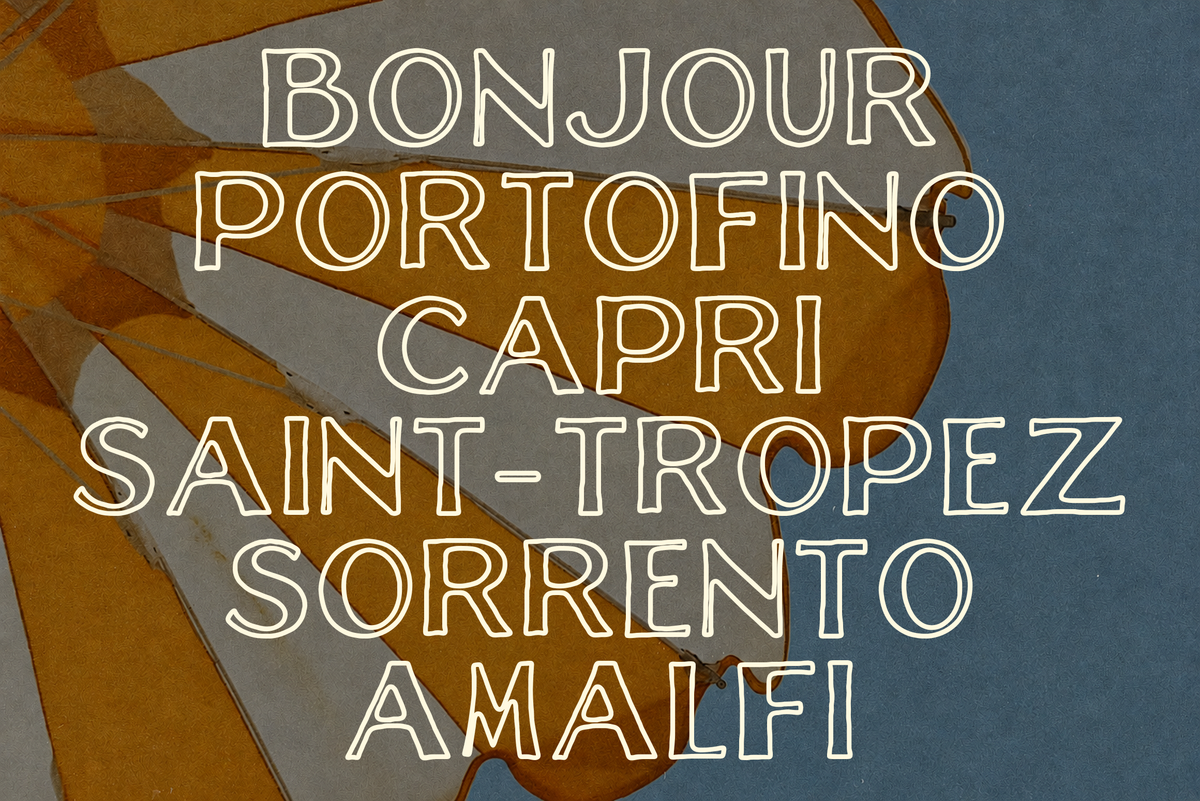
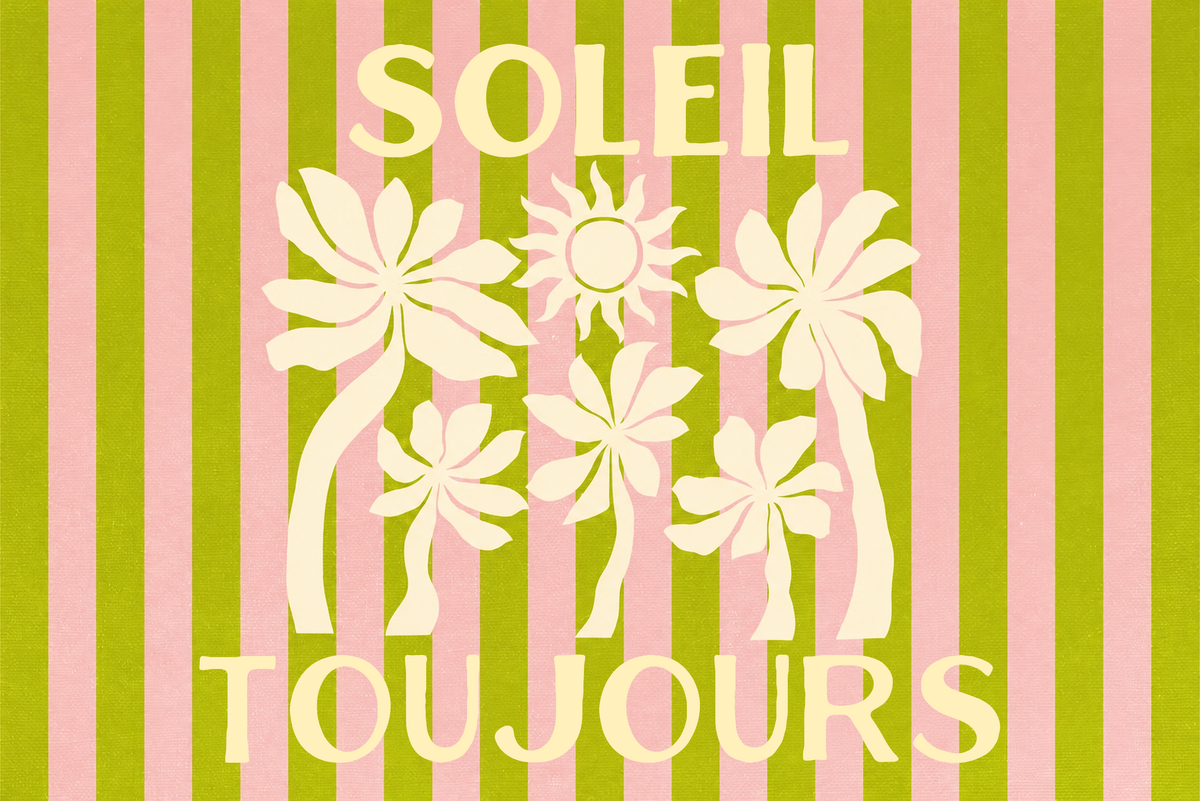
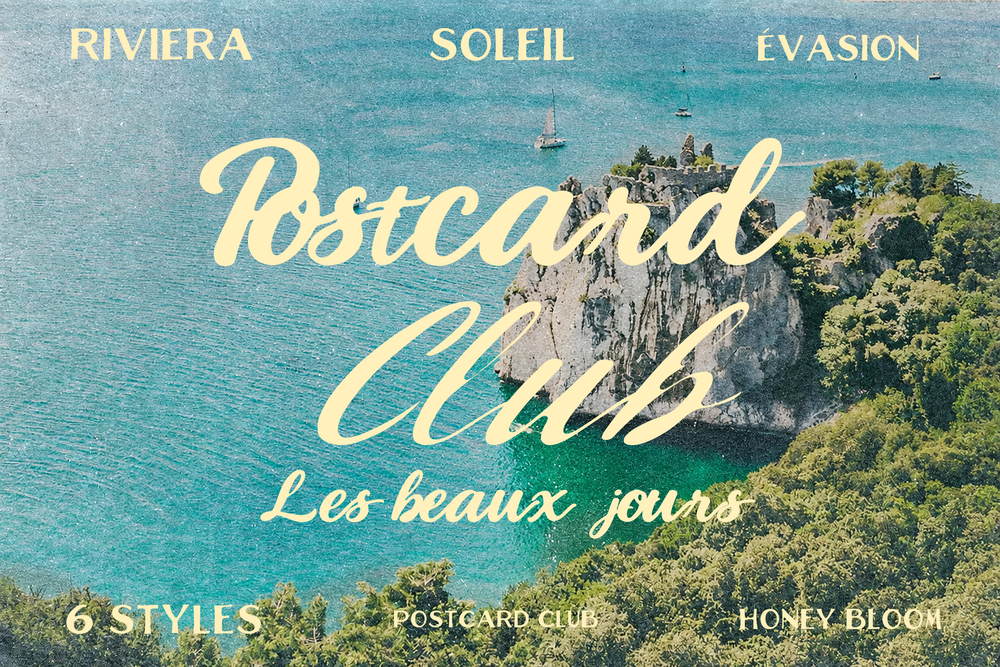
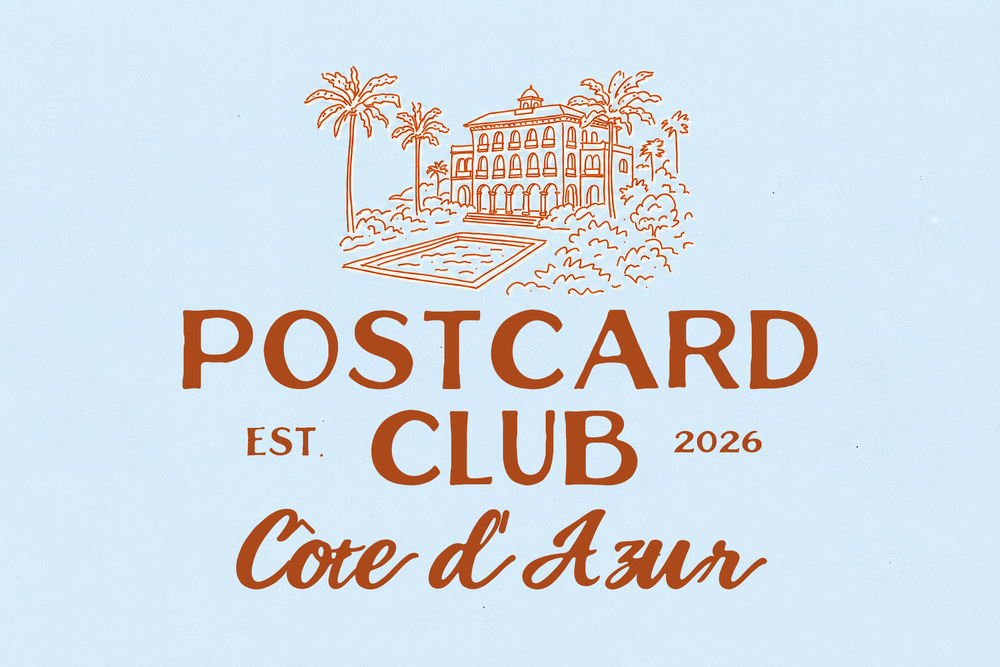
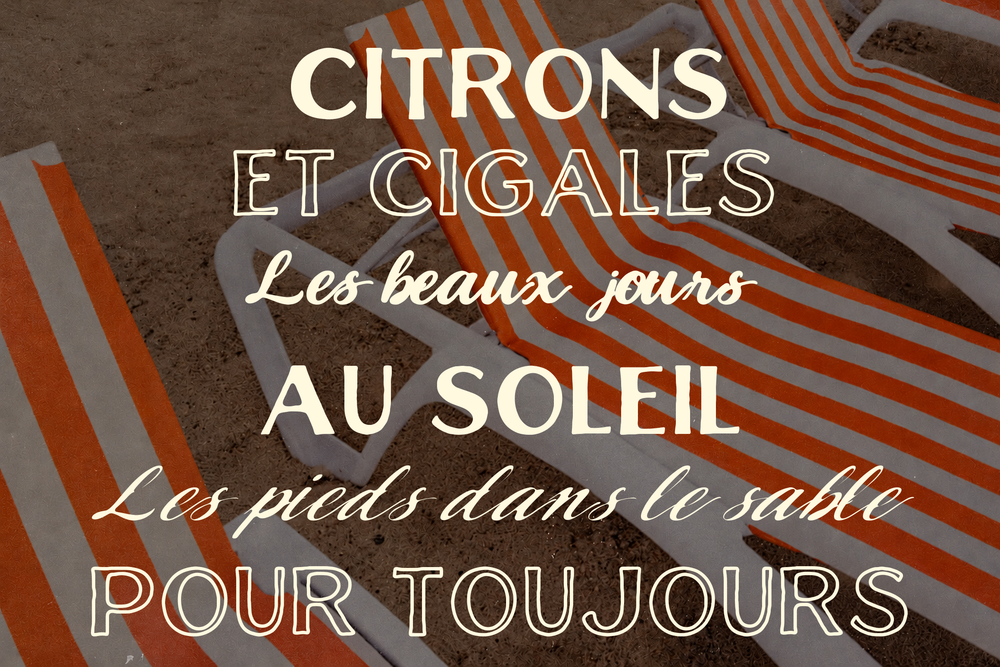
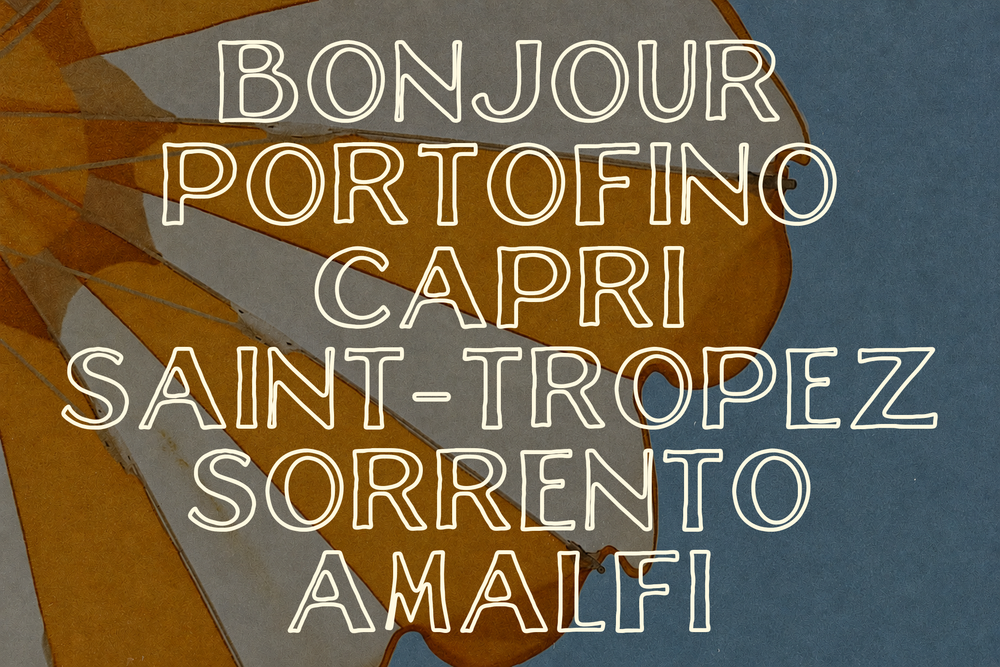
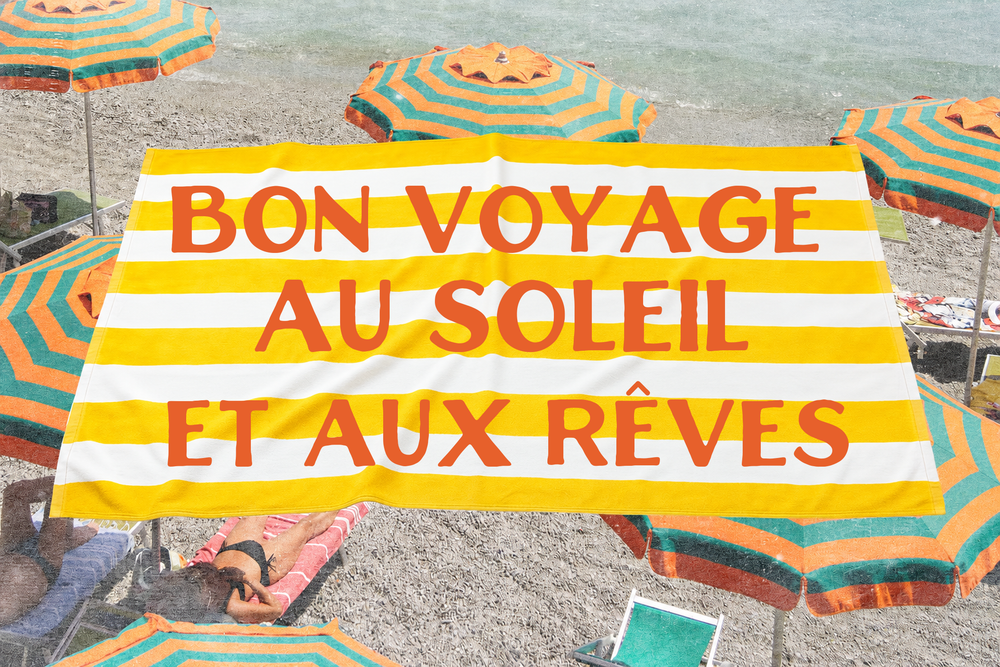
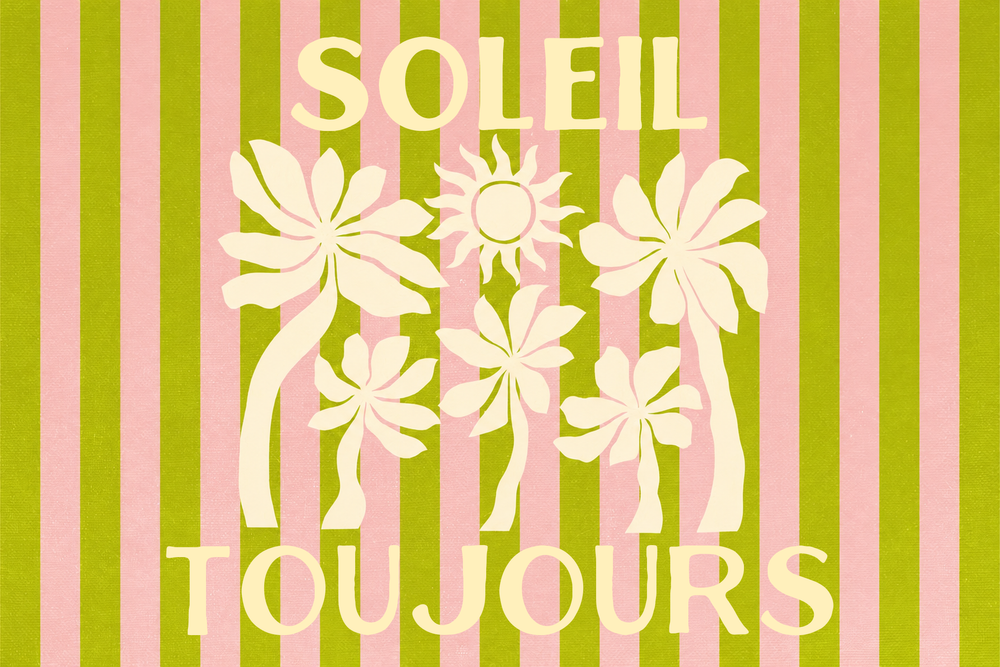
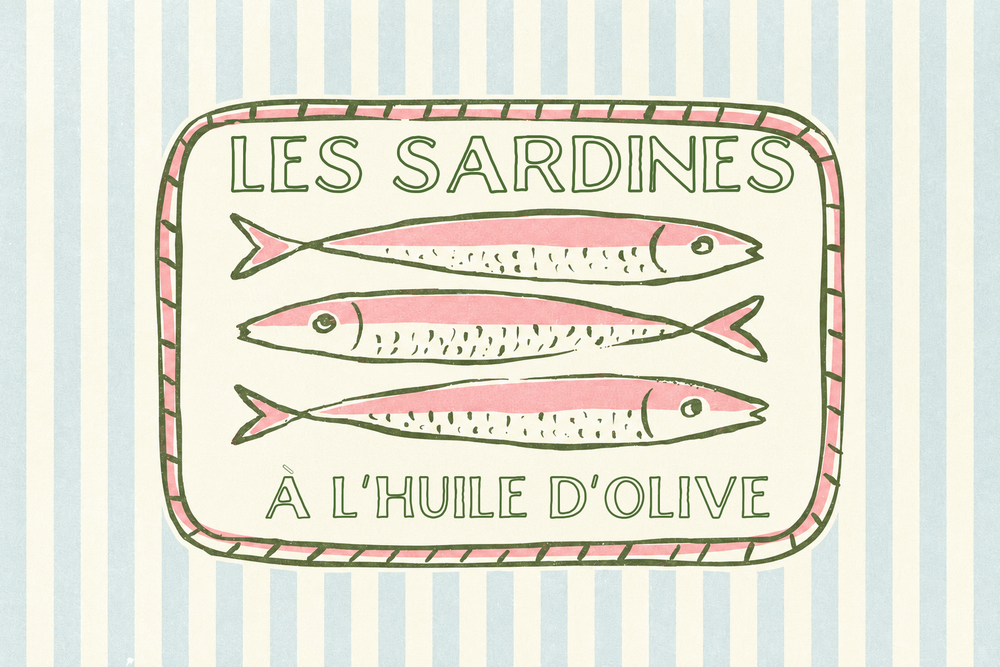
Meet The Postcard Club: a coastal vintage font family inspired by old travel postcards, seaside cafés and sunny Riviera signs. Pair the flowing brush script with the vintage caps and hollow outline letters for headlines that look hand-lettered.
Meet the styles
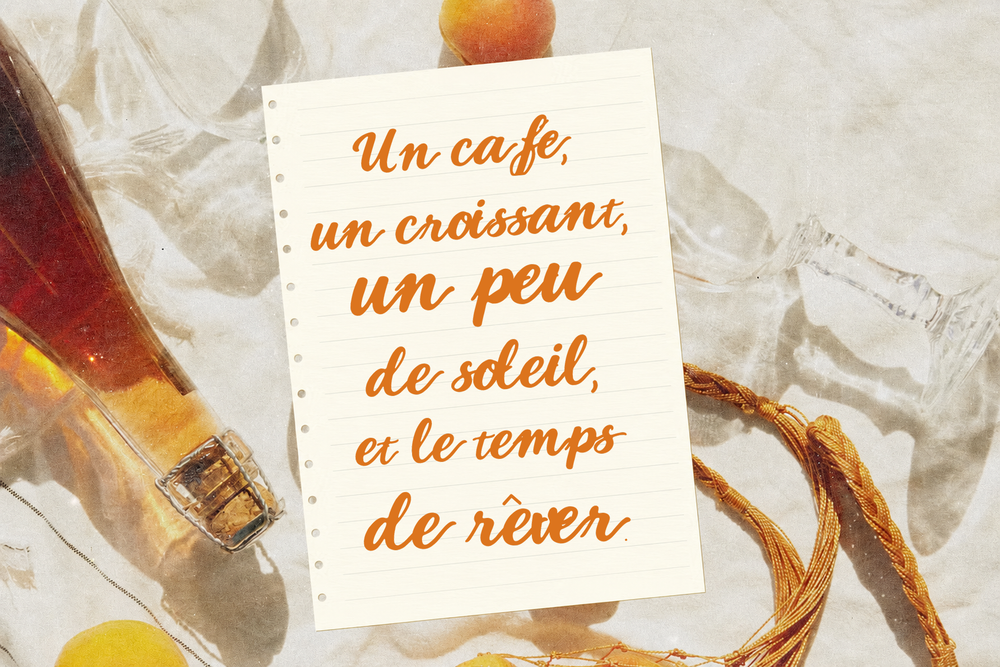
six ways to send a postcardA flowing brush script whose letters join up automatically.
The same script with a breezy forward lean for taglines and signatures.
Vintage hand-drawn capitals for headlines, menus and signs.
A heavier weight that stands out on logos and packaging.
Fine hollow letters for elegant titles and posters.
A sturdier outline that stays crisp on labels and social posts.
What's inside
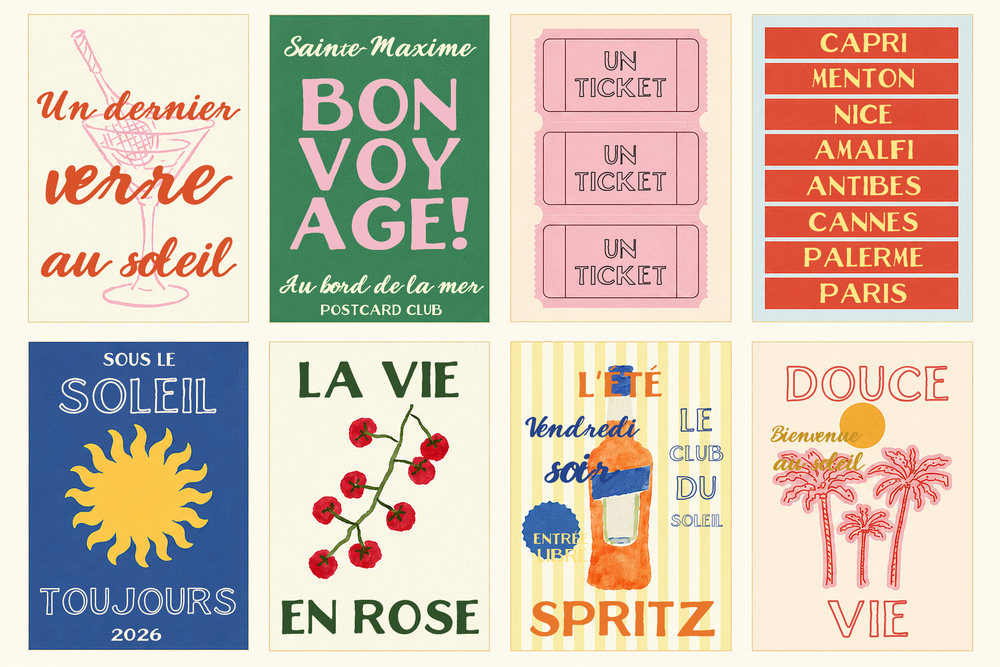
everything you needLayer them
two colours, one postcardEach Caps style has a matching Outline Caps with the same letter shapes and spacing. Type your word twice, set one in Caps Bold and one in Outline Caps Bold, nudge the outline a little and you have a two-tone vintage postcard look in seconds, right in Canva.
Perfect for
Works in
Good to know
quick answersCan I use it in Canva?
Yes, on Canva plans that allow font uploads. Upload the six TTF files to your Brand Kit and they appear in your font list.
Do the script letters connect?
Yes, they join up automatically as you type. Keep the letter spacing at zero so the joins stay smooth.
Does it include accents?
Yes: à é è ê ç ô ñ ü and more, plus curly quotes and dashes, so French, Spanish and Italian words work beautifully.
Can I sell products made with it?
Yes. Both licences cover commercial designs and finished products. Pick Extended at the top of the page for templates and kits you sell, print-on-demand and more.
Are lowercase letters included?
Both scripts have upper and lowercase. The Caps and Outline Caps styles always show capitals, even when you type in lowercase.
This is a digital download. No physical item will be shipped.
What's inside

How it works
- one
Purchase
Check out and get your download link right away.
- two
Install
Double-click a font file and choose Install. For graphics, unzip the folder and you're ready to go.
- three
Create
Use it in your favourite apps for your logo, website, socials and packaging.
What do I get when I buy the Postcard Club - Coastal Font?
You get instant access to the files for the Postcard Club - Coastal Font, along with the licence details. Everything included is listed in the description above.
How do I install the Postcard Club - Coastal Font on my computer?
Unzip the download, then double-click a font file. Choose Install on Windows or Install Font on a Mac, then restart your design app so the font appears in your font list.
Can I use the Postcard Club - Coastal Font in Canva?
Yes. Canva Pro lets you upload fonts to your Brand Kit. Graphics and doodles can be uploaded to any Canva account.
Can I use the Postcard Club - Coastal Font for my logo or my business?
You can use the Postcard Club - Coastal Font for your own brand within the licence included in your download. If you're not sure your project is covered, contact Honey Bloom before you buy.
Where do I find my download after I buy the Postcard Club - Coastal Font?
Your download link appears on the order confirmation page right after checkout, and Honey Bloom also sends it to your email. If you can't find it, check your spam folder or contact Honey Bloom and we'll resend it.
You might also love




Studio mail · Free
Club Bloom
Your free website launch checklist, then one letter a month from the studio: new templates, behind the scenes and a few good ideas.
One letter a month. Unsubscribe anytime.